How to Use the Cricut Scoring Wheel for Perfect Folds introduces the essential crafting tool that transforms your projects with precision and ease. This guide delves into the functionalities of the Cricut Scoring Wheel, showcasing its unique advantages over other Cricut tools. By understanding the capabilities of this innovative device, crafters can enhance their creations, whether they are crafting intricate cards, elegant gift boxes, or stunning scrapbook pages.
With a step-by-step approach, we will explore how to set up the scoring wheel, master its techniques, and apply it to various projects, ensuring perfect folds every time. Whether you are a beginner or a seasoned crafter, this guide aims to elevate your crafting experience.
Introduction to the Cricut Scoring Wheel
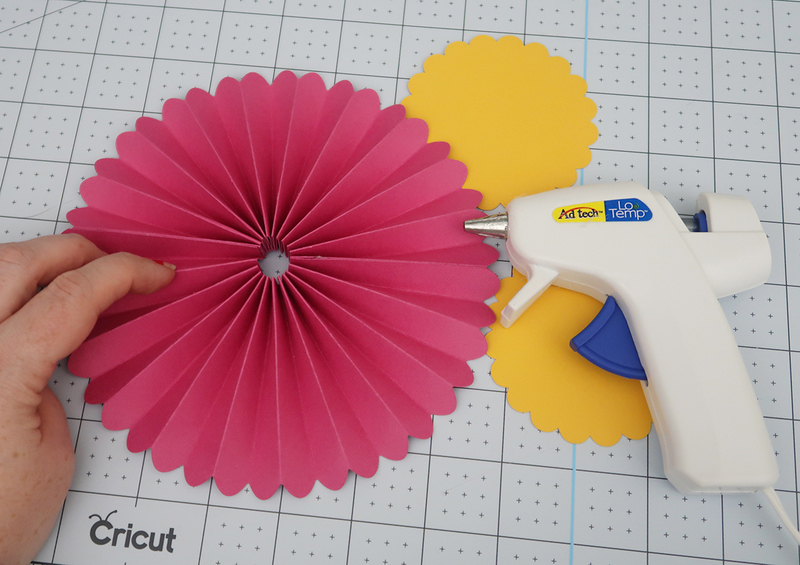
The Cricut Scoring Wheel is an essential tool in the arsenal of any crafting enthusiast. Designed specifically to create precise folds and creases, the scoring wheel elevates crafting projects by ensuring that each fold is clean and accurate. This capability enhances the overall quality of projects, making it a favored tool among both novice and experienced crafters alike.Unlike traditional scoring tools, the Cricut Scoring Wheel offers unique features that differentiate it from other Cricut tools.
The Scoring Wheel utilizes a dual scoring mechanism, which allows it to produce both a deep, pronounced score and a light score, depending on the material being used. This versatility streamlines the crafting process, allowing for more intricate designs and facilitating the creation of complex folds. In contrast, other scoring tools may not accommodate such precise adjustments, limiting their effectiveness for various materials or project types.
Types of Projects Benefiting from the Scoring Wheel
The versatility of the Cricut Scoring Wheel makes it suitable for a wide array of projects. Below are some project types that particularly benefit from its precise scoring capabilities:
- Card Making: The scoring wheel enables crafters to create beautifully folded cards with clean edges, enhancing the overall presentation.
- 3D Paper Crafts: Projects such as boxes, pop-up cards, and other three-dimensional creations require precise folds, where the scoring wheel excels.
- Envelopes: Crafting custom envelopes with accurate folds ensures a professional look, making the scoring wheel an invaluable tool for stationery design.
- Bookbinding: For those interested in handmade books, the scoring wheel aids in creating crisp, clean fold lines for book covers and pages.
The scoring wheel’s ability to produce various depths of score lines allows crafters to explore different folding techniques, making it a versatile addition to any crafting toolkit. As such, it not only simplifies the crafting process but also enhances the quality and professionalism of the finished product.
Setting Up the Cricut Scoring Wheel
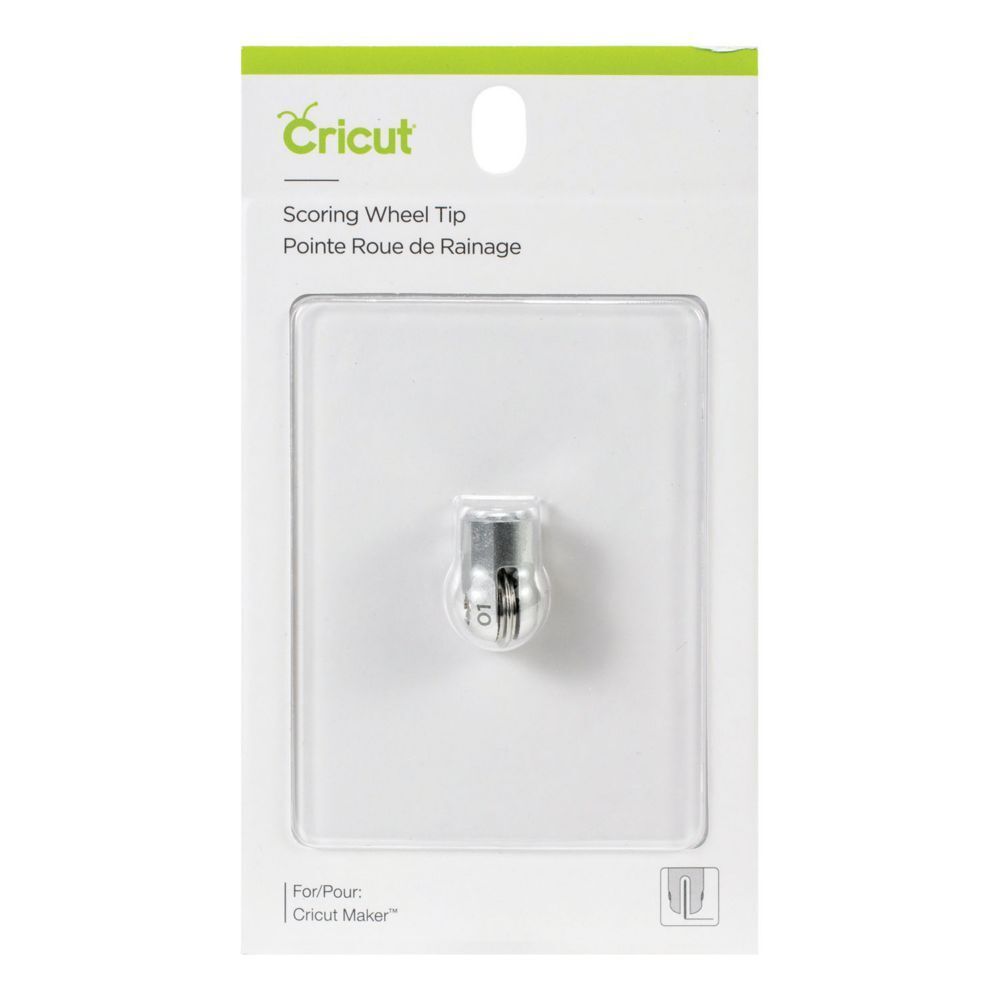
To achieve flawless folds in your projects, proper setup of the Cricut Scoring Wheel is essential. This process not only ensures that the scoring wheel is securely attached but also that you are equipped with everything necessary for a seamless crafting experience. Below is a detailed guide to help you set up the scoring wheel effectively.
Installation of the Scoring Wheel
The installation of the Cricut Scoring Wheel is a straightforward process, crucial for achieving precise scores on your materials. Follow these steps to ensure correct installation:
- Power on your Cricut machine and ensure it is ready for use.
- Remove the blade housing from the machine by gently pulling it out.
- Take the scoring wheel from its packaging and align it with the housing slot.
- Press down firmly until you hear a click, signifying that the scoring wheel is securely installed.
- Replace the housing back into the machine, ensuring it is locked in place.
Materials Required for Effective Use
For optimal results when using the Cricut Scoring Wheel, a selection of materials is necessary. The following items are recommended:
- Cricut Scoring Wheel
- Cricut Machine (Maker or Explore series)
- Scoreable materials such as cardstock, patterned paper, or specialty materials designed for scoring
- Standard grip mat for holding materials securely during the scoring process
- Bone folder or scoring tool for enhancing the crease after scoring
Preparing Your Workspace
A well-prepared workspace enhances creativity and efficiency while crafting. Consider the following tips for setting up your workspace:
“A tidy workspace fosters a productive crafting environment.”
Begin by selecting a clean, flat surface with ample lighting to prevent any crafting mishaps. Organize your materials within easy reach to minimize distractions and interruptions.
- Keep the Cricut machine at a comfortable height to ensure easy access during operation.
- Gather all necessary tools, including your scoring wheel, materials, and any additional crafting supplies.
- Ensure that your workspace is free from clutter to allow for larger projects and handling of materials without hindrance.
- Consider using storage solutions like bins or trays to categorize and store materials efficiently.
Techniques for Using the Scoring Wheel
The Cricut scoring wheel is an essential tool for achieving precise and professional folds in paper crafting and other projects. Understanding the techniques involved in using this tool can greatly enhance the quality of your creations. This section will discuss the relationship between scoring and folding, the appropriate pressure settings for various materials, and common mistakes to avoid while using the scoring wheel.
Scoring and Folding Techniques
Scoring and folding are two interconnected techniques that work together to produce clean and accurate folds. Scoring involves creating a shallow indentation in the material, which serves as a guideline for where to fold. This indentation weakens the paper fibers at that specific line, ensuring that the fold is sharp and precise. In contrast, folding is the act of bending the material along the scored line.
When combined effectively, scoring leads to folds that are not only aesthetically pleasing but also structurally sound. In practice, it is important to score before you fold, as this method will yield a more consistent and professional result. Additionally, using the scoring wheel provides an even depth of scoring across the material, unlike manual methods that may vary in pressure and consistency.
Pressure Settings for Various Materials
Different materials require different pressure settings to achieve optimal scoring results. The Cricut machine allows users to adjust the pressure based on the thickness and type of material being used. The following table Artikels recommended pressure settings for common materials:
| Material | Recommended Pressure Setting |
|---|---|
| Standard Cardstock (80 lb) | Medium |
| Heavyweight Cardstock (110 lb) | High |
| Lightweight Paper | Low |
| Foil or Metallic Paper | Medium |
It is crucial to test a small piece of the material before committing to a full project, ensuring that the pressure settings yield the desired scoring depth without damaging the material.
Common Mistakes to Avoid
When using the scoring wheel, several common mistakes can lead to unsatisfactory results. Awareness of these pitfalls can help users produce high-quality projects. The following points highlight typical errors to avoid:Inadequate scoring is one of the primary mistakes, as insufficient or uneven scoring can result in dull folds. Implementing a steady hand and consistent pressure during the scoring process is essential for achieving the best results.
Another mistake is neglecting to adjust pressure settings according to the material, which can lead to either tearing the paper or not creating a deep enough score. Experimenting with pressure settings on scrap pieces beforehand can help to establish the right level.Failing to clean the scoring wheel regularly can also impact performance. Accumulation of debris and material residue may hinder the wheel’s effectiveness, so routine cleaning is recommended after significant usage.
Lastly, not allowing the scored lines to be visible before folding can lead to misalignments. Always ensure the score lines are clearly defined and visible to ensure precise folding.
“Scoring creates a guide that makes folding not just easier, but more accurate and professional-looking.”
Crafting Projects with the Scoring Wheel
The Cricut Scoring Wheel opens a world of endless creative possibilities, allowing crafters to achieve precise folds and professional finishes in various projects. This tool is particularly beneficial for creating intricate designs that require accurate scoring, ensuring that each fold is crisp and clean. Below, we explore a variety of project ideas that can be enhanced using the scoring wheel, along with detailed instructions for a specific foldable project.
Project Ideas Utilizing the Scoring Wheel
Incorporating the scoring wheel into your crafting projects can significantly elevate the quality and craftsmanship of your creations. Here are several project ideas that effectively utilize this remarkable tool:
- Handmade Cards: Create beautiful greeting cards with intricate folds and pop-ups that are sure to impress any recipient.
- Gift Boxes: Design custom gift boxes that not only look elegant but also fit perfectly to the items being gifted.
- Scrapbook Pages: Add dimension and interest to scrapbook layouts with folded elements that enhance the overall design.
- Party Decorations: Craft stunning decorations such as banners and table centerpieces that require precise folds for a polished appearance.
- 3D Paper Models: Explore the world of 3D crafts by creating models that require multiple folds for assembly.
Creating an Intricate Folded Paper Project
One of the most exciting aspects of using the Cricut Scoring Wheel is the ability to create intricate folded paper projects. Below is a step-by-step guide to crafting a decorative paper lantern, which highlights the capabilities of the scoring wheel:
1. Select Your Design
Begin by choosing a lantern design from the Cricut Design Space or creating your own. Ensure the design incorporates fold lines which will be scored by the machine.
2. Prepare Your Material
Choose a suitable paper or cardstock for your lantern. Heavier paper can support the structure better but may require adjustments in the cutting settings.
3. Load the Scoring Wheel
Install the scoring wheel in your Cricut machine, ensuring it is securely attached.
4. Set Up the Machine
Load your selected material onto the cutting mat and place it in the machine. Adjust the settings to accommodate the thickness of your chosen paper.
5. Score the Design
Start the machine to score the fold lines in your design. This process creates the creases necessary for the folds, ensuring they are uniform and precise.
6. Cut the Lantern Shape
After scoring, the machine will proceed to cut out the lantern shape. Once completed, remove the material from the cutting mat carefully.
7. Fold and Assemble
Gently fold along the scored lines to form the lantern. Use adhesive where necessary to secure the folds in place.
8. Add Finishing Touches
Decorate your lantern with embellishments such as ribbons, lights, or patterned paper to enhance its appearance.
Enhancing Various Crafts with Scoring Techniques
Scoring techniques can be applied to multiple types of crafts, thereby enhancing their visual and tactile appeal. Here are some examples of how scoring can improve different crafting projects:
- Scrapbook Layouts: Scoring lines on paper elements can create unique textures and layers, adding depth to the overall composition.
- Party Favors: Score and fold paper containers for party favors to ensure they hold their shape and present beautifully.
- Memory Albums: Craft folded pages that allow for hidden messages or photographs, providing an interactive element within the album.
- Gift Wrapping: Use scored lines to create custom-shaped gift wraps that can be easily folded and shaped to fit the gift perfectly.
“The precision of the Cricut Scoring Wheel enables crafters to transform ordinary paper into extraordinary creations.”
Maintenance and Care for the Scoring Wheel
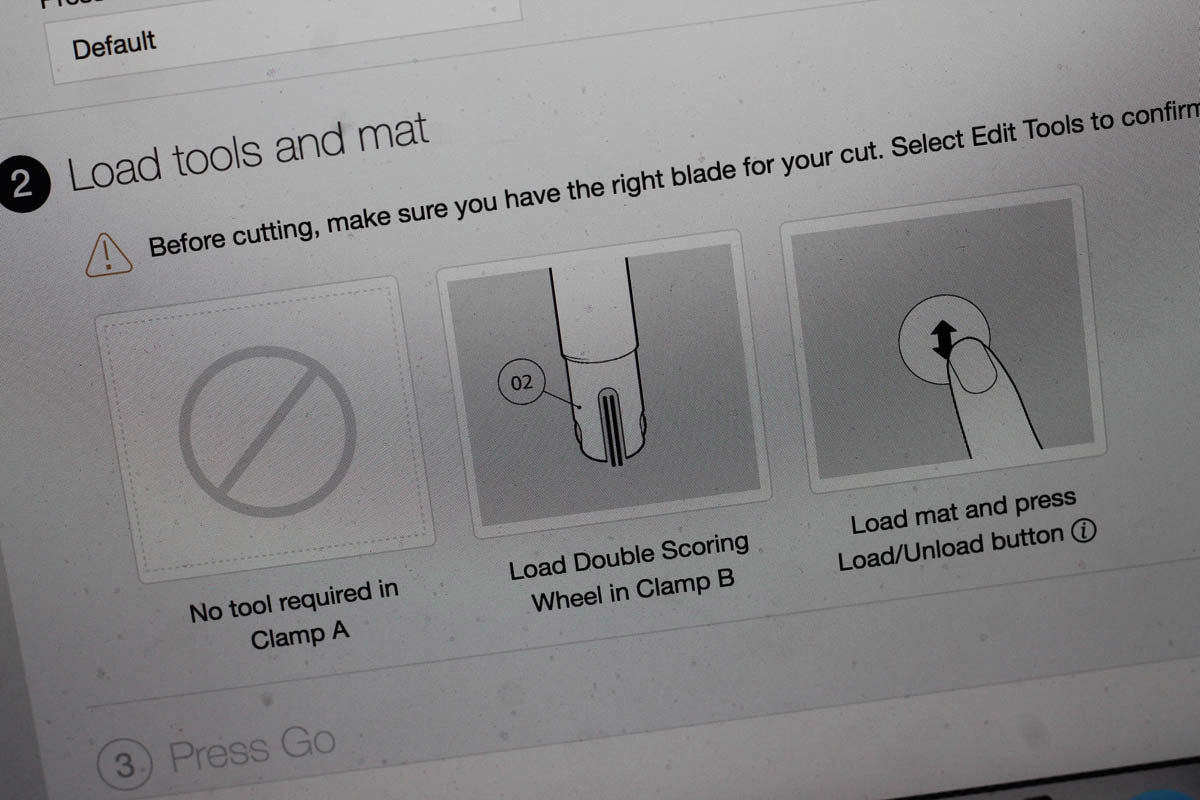
To ensure the Cricut Scoring Wheel remains in optimal working condition, regular maintenance and proper care are essential. A well-maintained scoring wheel allows for precise folds and enhances the quality of your crafting projects. Below, you will find a comprehensive maintenance schedule, troubleshooting tips for common issues, and best practices for storing your scoring wheel.
Maintenance Schedule for the Scoring Wheel
Regular maintenance is crucial for the longevity and performance of your scoring wheel. Follow this schedule to keep your tool in top condition:
- Daily Care: After each crafting session, inspect the wheel for debris or damage. Wipe it with a soft, dry cloth to remove any dust or residue.
- Weekly Cleaning: Use a gentle brush or a cloth slightly dampened with water to clean the wheel. Avoid using any harsh chemicals that could damage its surface.
- Monthly Inspection: Check for any signs of wear, such as cracks or dullness in the blade. If any wear is noticeable, consider replacing the wheel to maintain optimal performance.
- Annual Deep Cleaning: Once a year, perform a thorough cleaning by removing the scoring wheel from the machine and cleaning it with a safe cleaning solution. Ensure it is completely dry before reattaching.
Troubleshooting Common Issues
Even with proper care, issues may occasionally arise with your scoring wheel. Familiarize yourself with common problems and their solutions to minimize downtime.
- Skipping Folds: If the scoring wheel is skipping folds, it may indicate that the blade is dull. Check the wheel’s condition and replace it if necessary.
- Uneven Scoring: This could be caused by a misalignment of the wheel or improper pressure settings. Verify that the wheel is properly installed and adjust pressure settings in the software.
- Stuck Wheel: If the scoring wheel becomes stuck, it may be due to debris buildup. Clean the wheel and surrounding areas to ensure smooth operation.
- Noise During Operation: Unusual noises may indicate a mechanical issue. Inspect the wheel and its connection to the machine; consider consulting customer support if the issue persists.
Best Practices for Storage
Proper storage of the Cricut Scoring Wheel is vital to avoid damage when not in use. Adopting these best practices will help preserve the integrity of the tool:
- Use a Protective Case: Store the scoring wheel in a protective case, which can prevent accidental impacts or scratches.
- Avoid Extreme Temperatures: Keep the scoring wheel in a temperature-controlled environment, as extreme heat or cold can affect the material and performance.
- Keep Away from Moisture: Moisture can cause rust or corrosion. Store the scoring wheel in a dry place and consider using silica gel packs to absorb excess humidity.
- Label and Organize: If you have multiple tools, label your storage containers clearly to easily locate the scoring wheel, preventing wear from unnecessary handling.
Advanced Tips and Tricks
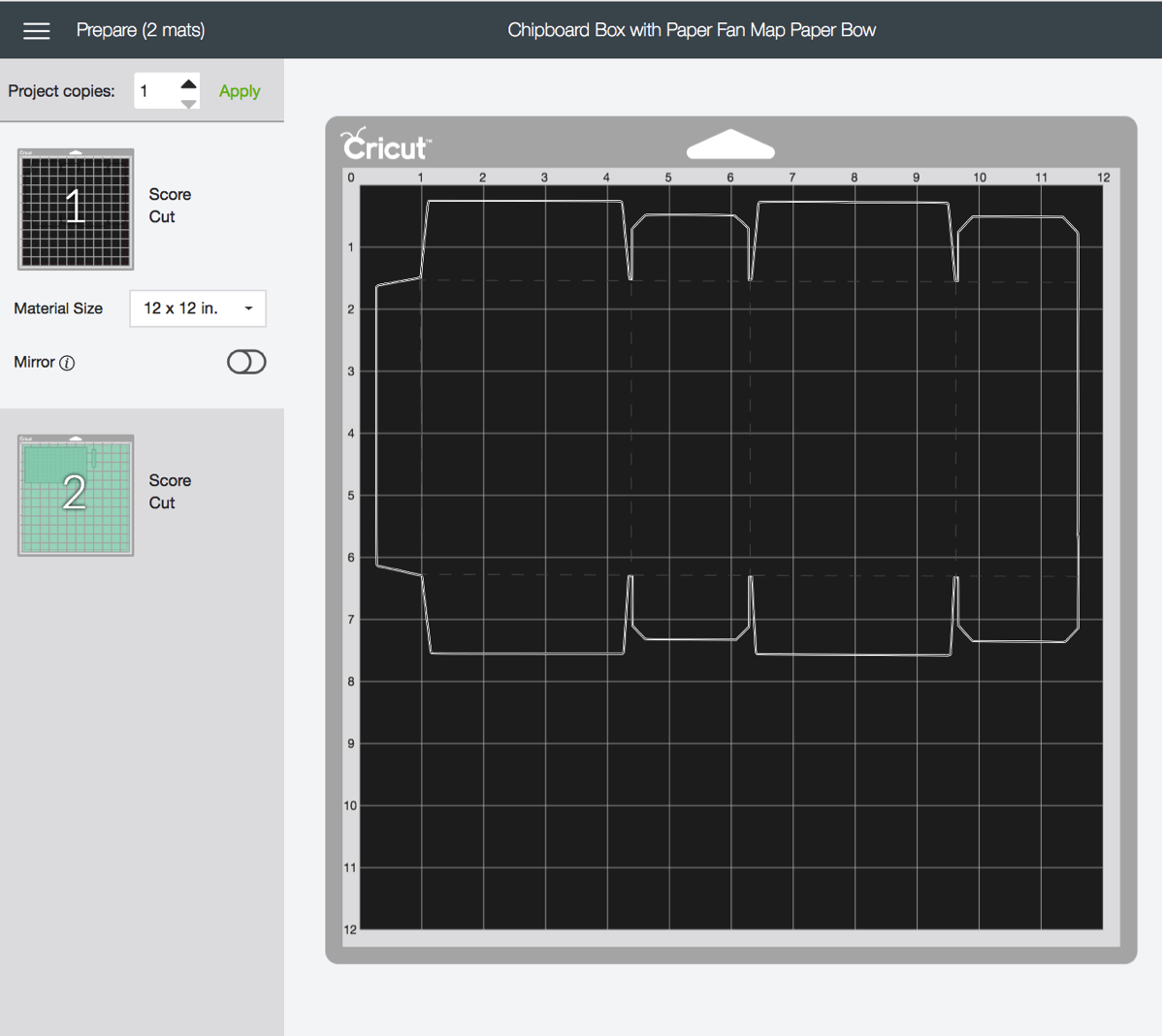
The Cricut Scoring Wheel is a powerful tool that elevates your crafting experience by allowing for precise and professional folds in various materials. Understanding advanced techniques can significantly enhance your projects, providing you with the ability to create intricate designs and flawless finishes. Below are several strategies for maximizing the capabilities of the scoring wheel.
Techniques for Achieving Perfect Folds
Mastering the scoring wheel involves a range of advanced techniques that can help you achieve flawless folds. The following methods are essential for enhancing your results:
- Utilize Different Scoring Wheel Tips: The Cricut Scoring Wheel offers different tips for varying materials and thicknesses. For example, the single scoring tip is ideal for lightweight paper, while the double scoring tip provides more depth for heavier cardstock.
- Adjusting Pressure Settings: Modify the pressure settings on your Cricut machine to suit the material being used. Lighter materials may require less pressure, while thicker materials may benefit from increased pressure to create deeper scores.
- Pre-scoring for Complex Folds: For intricate designs, consider pre-scoring the material by hand before utilizing the scoring wheel. This can help guide the machine for more complicated folds.
- Creating Custom Folds: Experiment with scoring at different angles to create unique fold styles, such as diagonal or curved folds, which can add dimension to your projects.
- Using a Bone Folder: After scoring, use a bone folder to reinforce the fold, ensuring it remains crisp and defined.
Combining with Other Cricut Tools
Integrating the scoring wheel with other Cricut tools can significantly expand your crafting possibilities. The combination of tools allows for more complex and visually stunning projects. Here are several ways to enhance your creations:
- Using the Cricut Maker Knife Blade: Combine the scoring wheel with the knife blade to cut intricate designs that require precise folding. This is especially useful for creating 3D projects such as boxes or pop-up cards.
- Integrating with the Cutting Blades: Pair the scoring wheel with different cutting blades to develop layered designs that involve both cutting and scoring, such as multi-layered cards or mixed media designs.
- Utilizing the Print Then Cut Feature: First, print your design and then use the scoring wheel to add folds accurately. This technique is perfect for creating customized greeting cards with images and text.
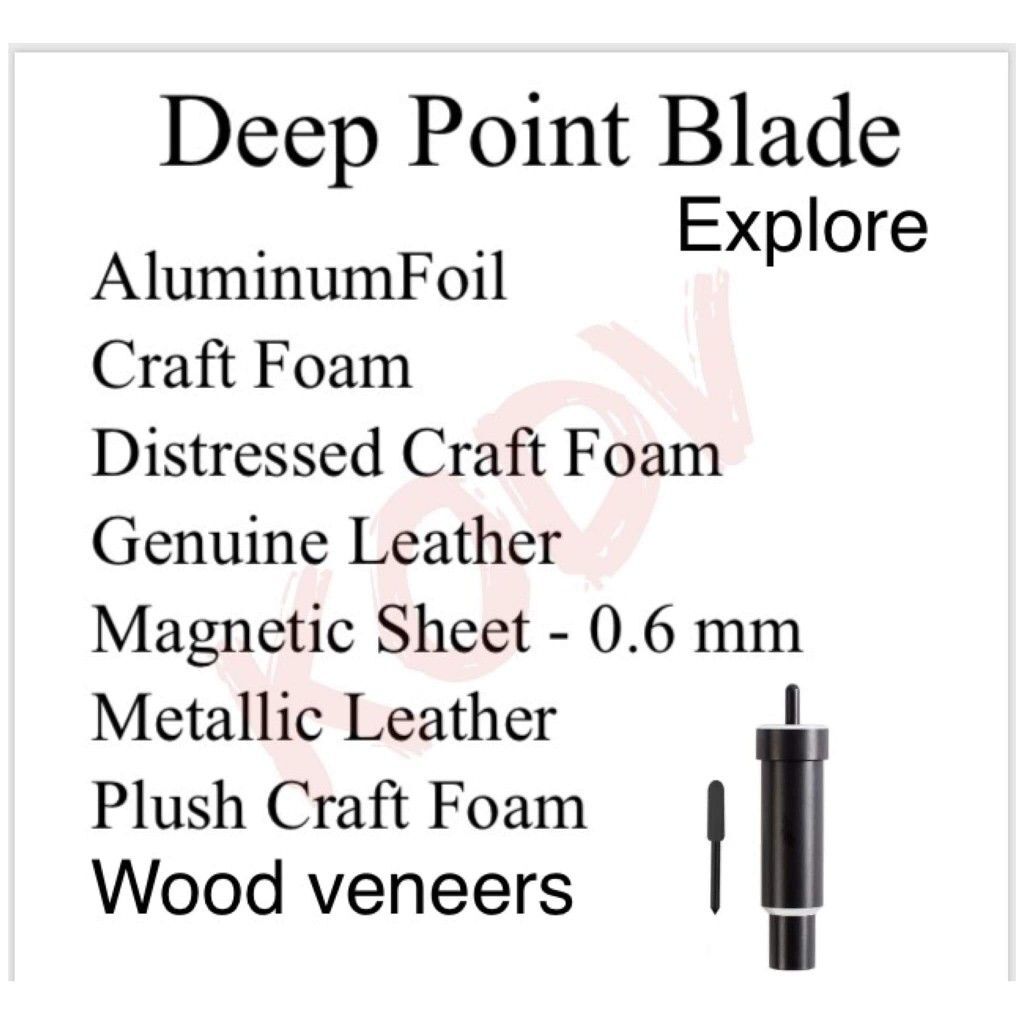
- Incorporating the Deep Point Blade: For thicker materials, the deep point blade can be combined with the scoring wheel, ensuring that both cutting and scoring are performed efficiently.
Resources for Further Learning and Inspiration
To enhance your proficiency with the Cricut Scoring Wheel, there are numerous resources that offer inspiration and educational material. These can guide you as you explore new techniques and design ideas.
- Cricut’s Official Website: The official website provides a wealth of tutorials, project ideas, and tool guides specifically for the scoring wheel.
- Crafting Blogs and Forums: Engaging with online crafting communities can offer new techniques and inspiration from fellow enthusiasts who share their projects and insights.
- YouTube Channels: Many creators produce detailed video tutorials demonstrating advanced techniques and innovative projects using the scoring wheel, allowing you to see the processes in action.
- Social Media Groups: Join Cricut-focused groups on platforms such as Facebook or Instagram where members share their work, tips, and tricks related to the scoring wheel.
“The Cricut Scoring Wheel is not just a tool; it’s a gateway to unleashing your creativity through precision.”Crafting Expert
Last Word
In conclusion, mastering the Cricut Scoring Wheel opens up a new world of possibilities for your crafting endeavors. By implementing the techniques and tips Artikeld, you can create beautifully folded projects that impress and inspire. Whether you are tackling simple designs or complex creations, the scoring wheel proves to be an invaluable asset in your crafting toolkit. Let your creativity flourish as you explore the endless potential of perfect folds.